

Your brand in one file. Everything else inherits it.
Write the voice, the colours and the typefaces once. Documents, images, videos and plans come out wearing the brand, whether you make them or your AI assistant does.
Free, with no account. Nothing is uploaded to a server.
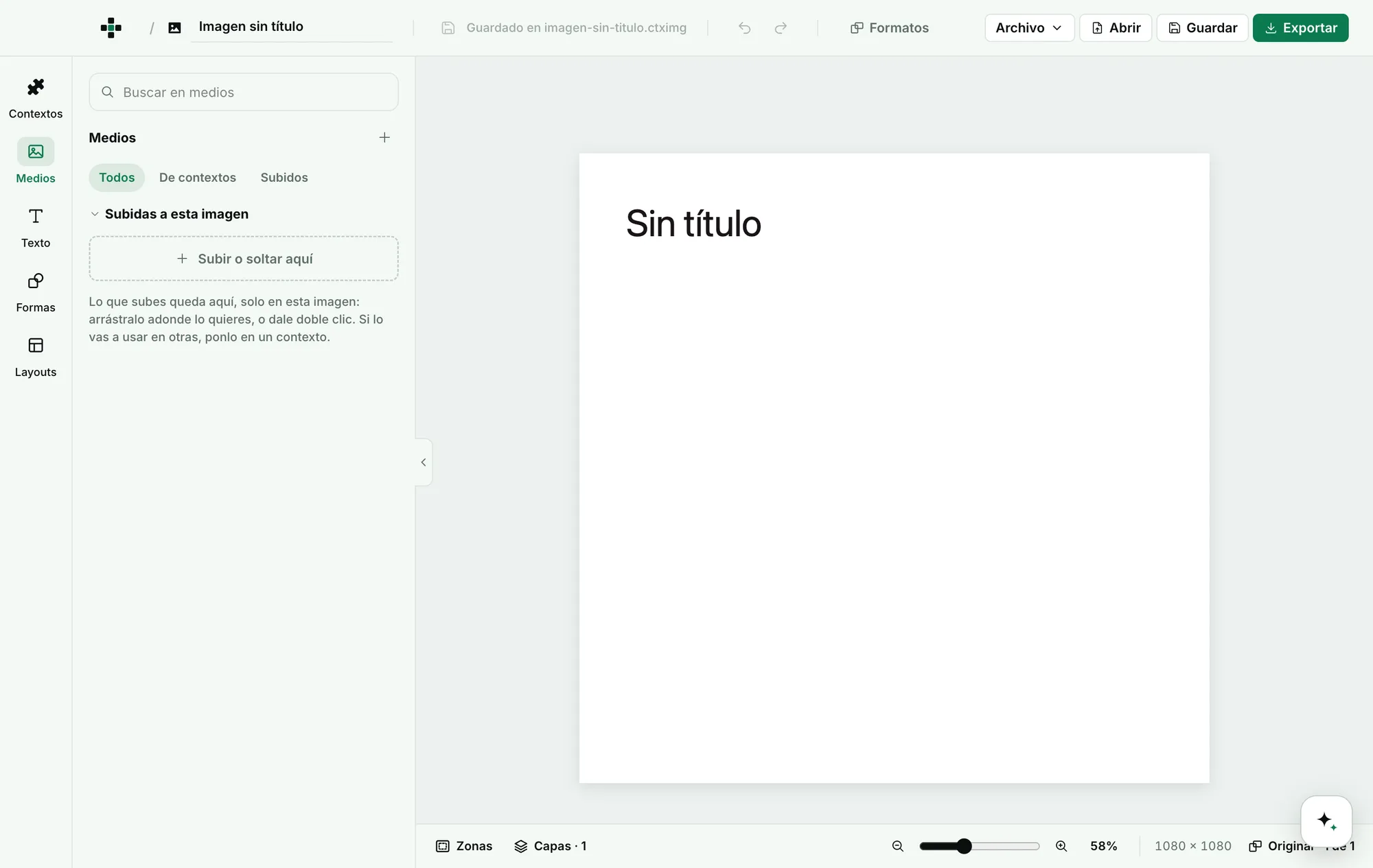
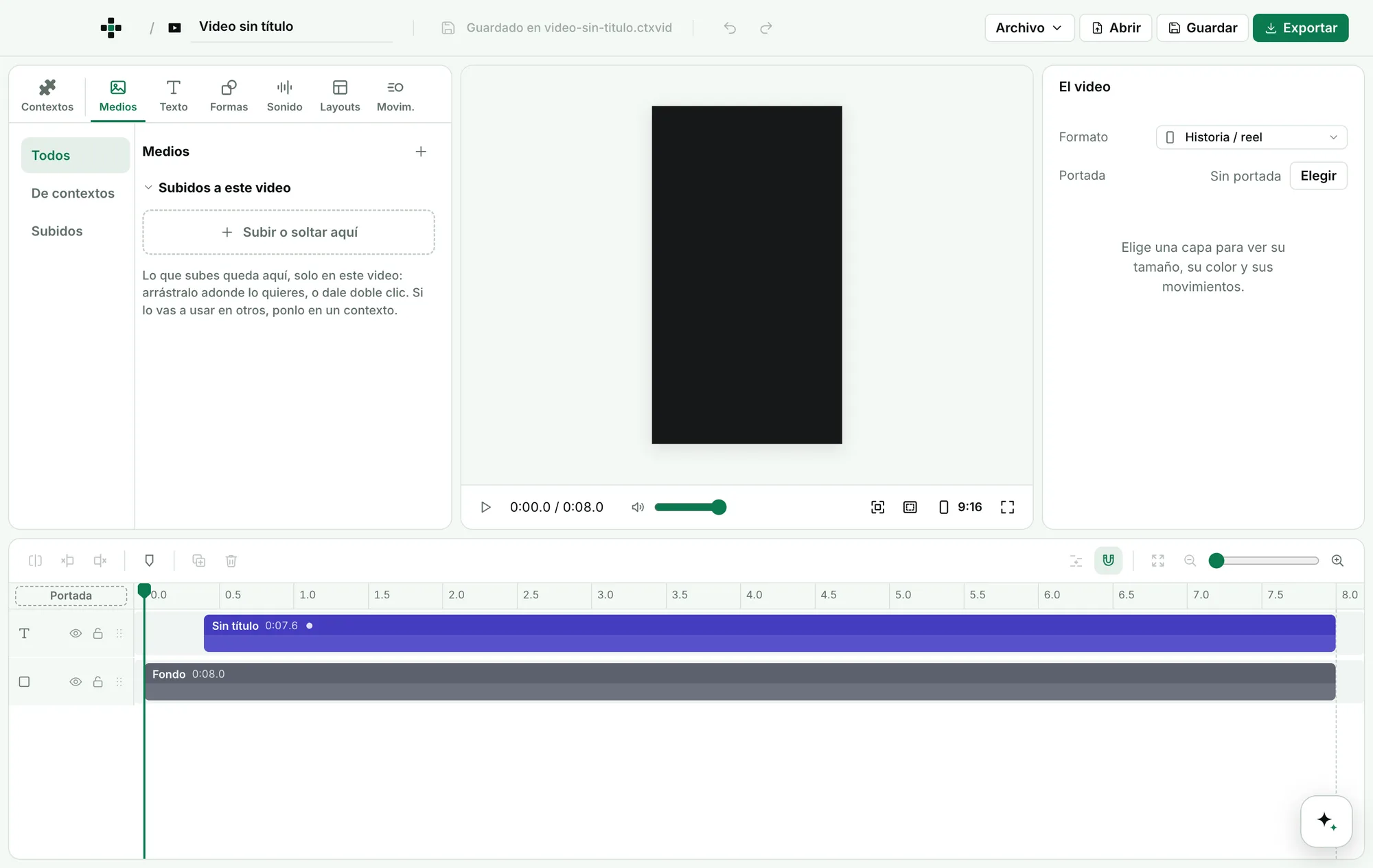
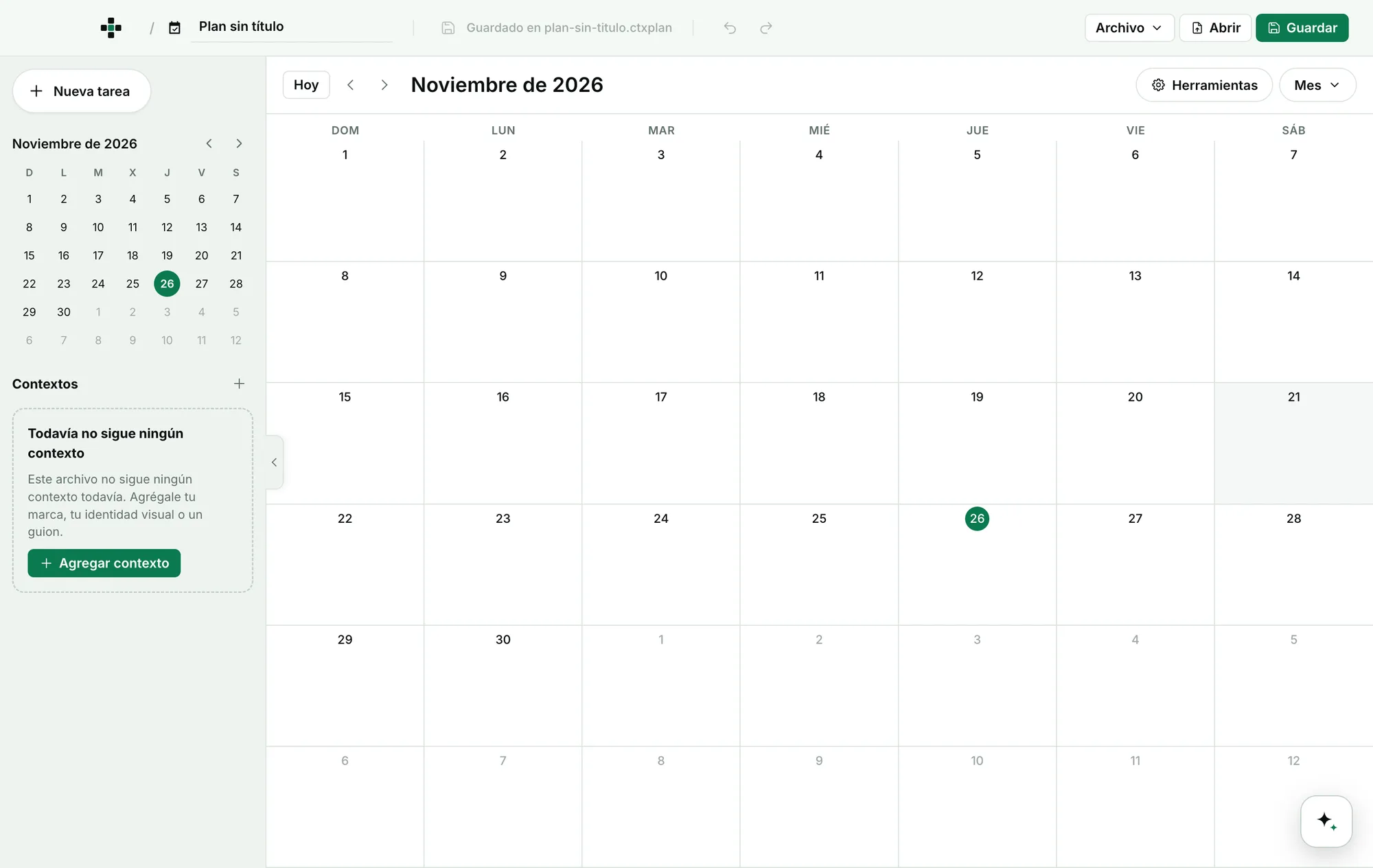
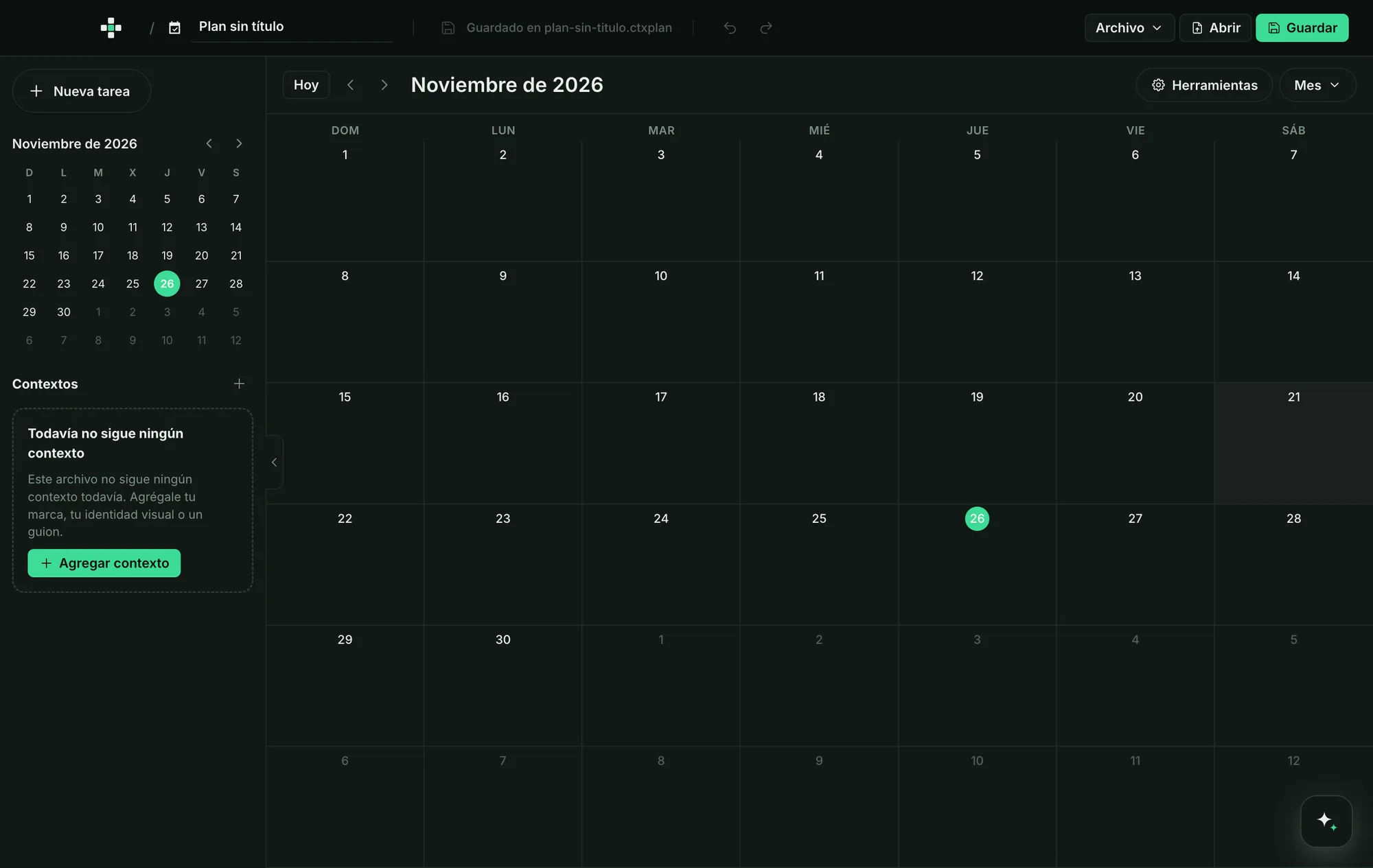
The four pieces read the same file. Change the context and they all change.


You read it. Your assistant reads it.
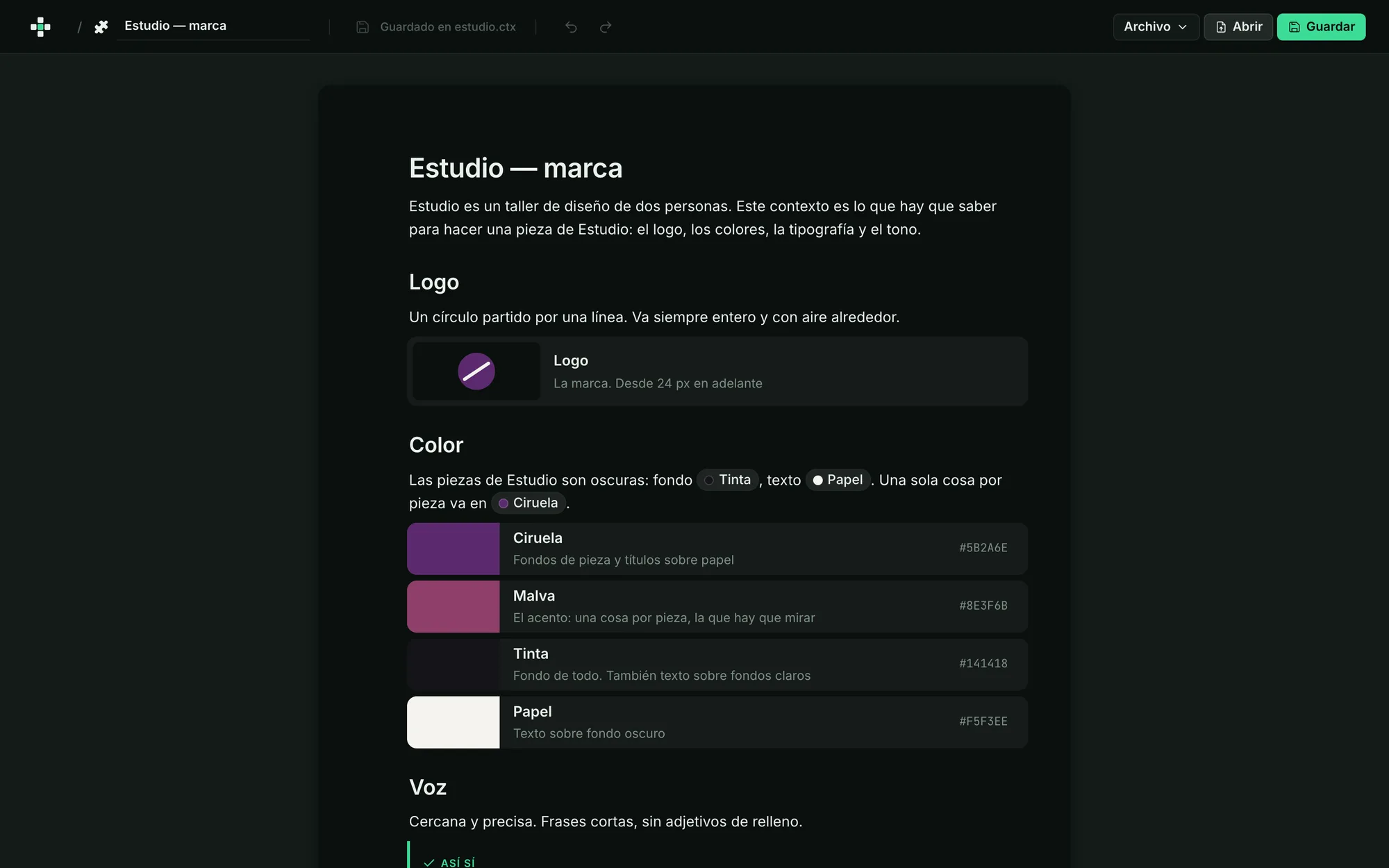
# Studio

Use @[Plum] for titles and backgrounds.

::color[Plum](#5B2A6E) — Piece backgrounds
::color[Paper](#F5F3EE) — Text on dark
::font[Headlines](attached/titulares.woff2)
::asset[Logo](attached/logo.svg) — Only at the end

:::example{bad}
Buy now, it's free.
:::
Start with the context. It's free.
On the web, with no account. You save to your computer or to your Google Drive.
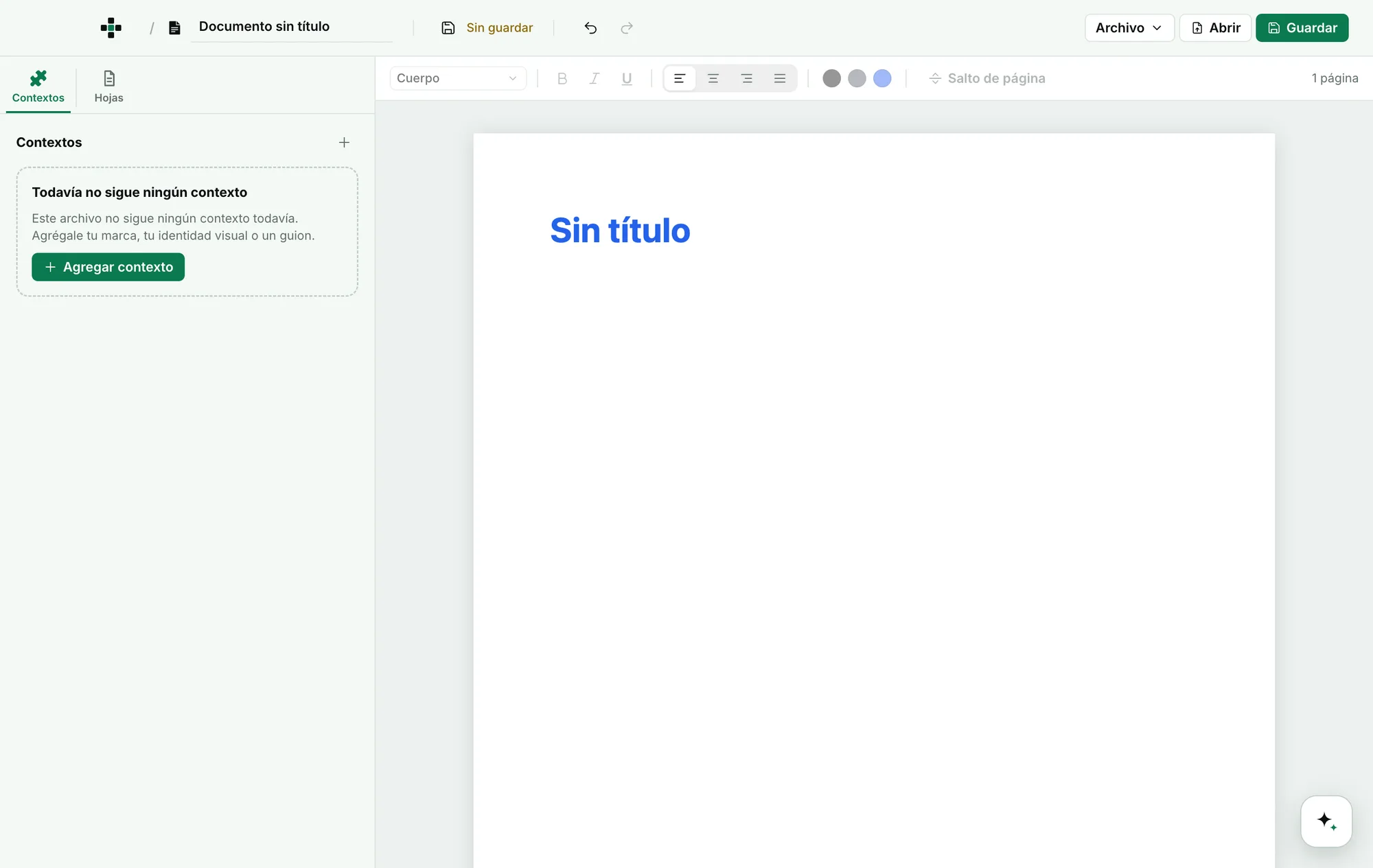
Open the context editor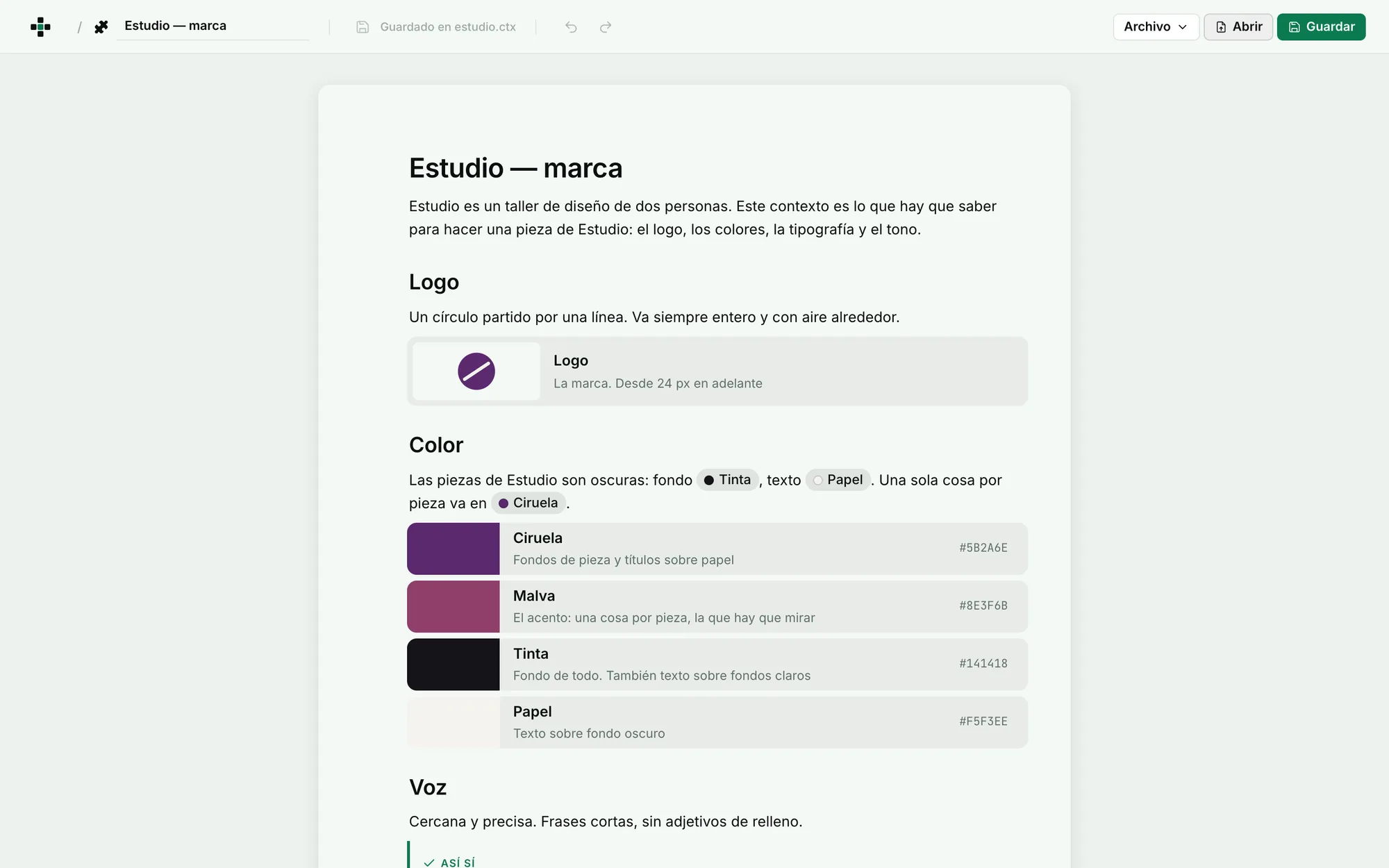
Frequently asked questions
What exactly is a .ctx?
A file: Markdown with attachments, packed as a zip. It holds the voice, the colours, the typefaces and the assets of a brand or a project. It opens in the context editor or, unzipped, in any text editor.
Is the context editor really free?
Yes, and it asks for no account. You open and save files on your computer or in your Google Drive; nothing is uploaded to a server of ours.
Which AI assistants does it work with?
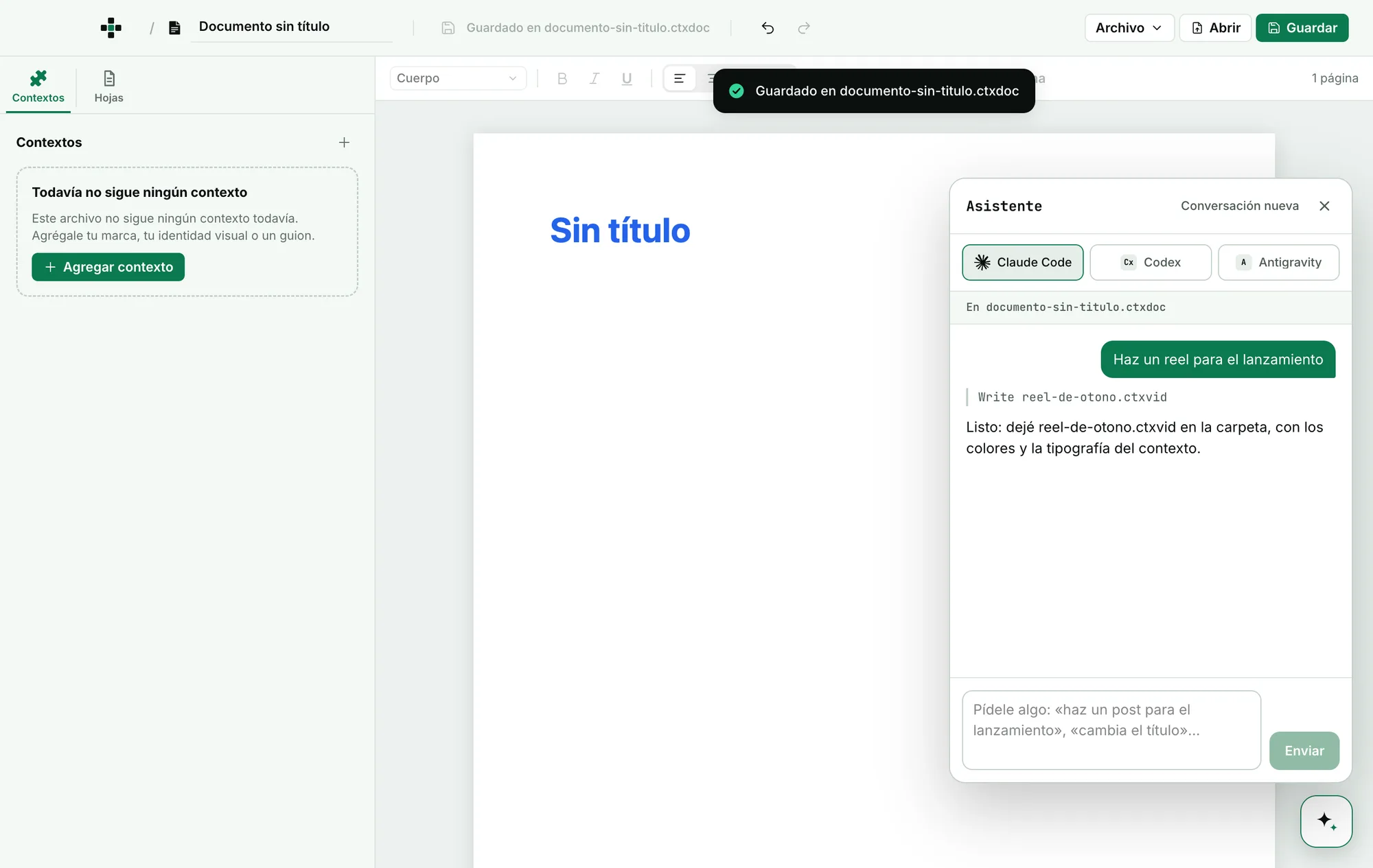
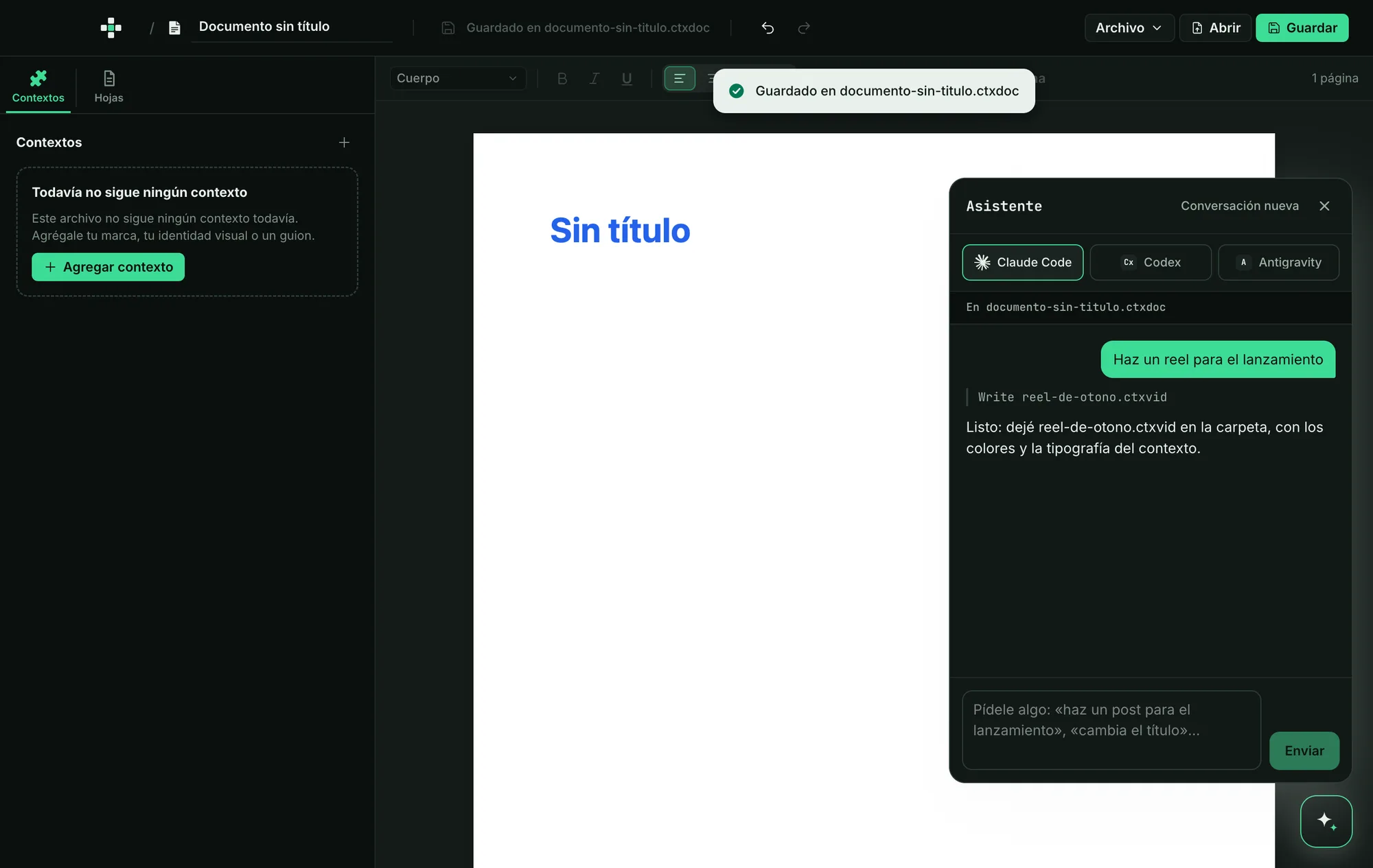
The skills work in any assistant that reads skills in that format (a folder with a SKILL.md). In the desktop app the assistant is the program you already have installed: Claude Code, Codex or Antigravity.
Where are my files kept?
On your computer. In the desktop app a project is a folder of yours, and ctx+ keeps none of your pieces on a server.
When is the desktop app out?
It is not published yet. Meanwhile the context editor and the skills are ready to use.


Start with your context.
The context editor is already on the web. The desktop app, with the other four tools, is on its way.